QR Code Danger Zone: Protect Yourself in the Future Tech Era
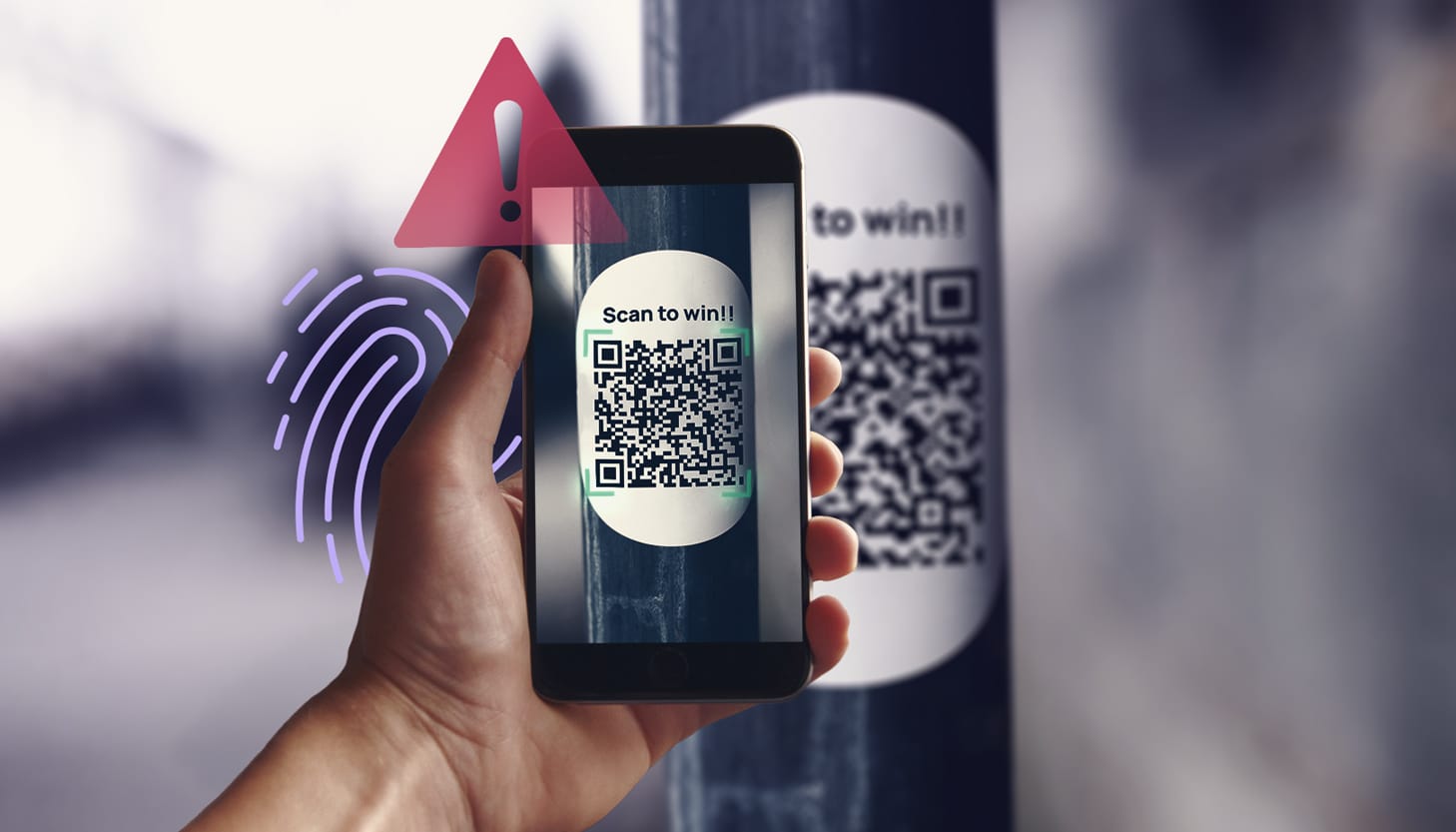
Welcome to this interactive learning page on QR code scams in 2026. Scanning a malicious QR code (aka "quishing") can expose your data without you realizing it. Below, we'll show you what info scammers might grab just from a simple visit—like your IP, location and OS. Remember: NEVER scan random QR codes, and NEVER grant permissions on your phone unless you're 1000% sure!
See What Scammers Can See: Your Exposed Data
Just by visiting a malicious site via QR code, scammers can grab basic info like this — including your operating system. Check yours below—it's pulled in real-time!
Loading your IP, location and device info...
Note: This is approximate and for educational purposes only. VPNs, browser extensions or privacy modes can hide/alter some of this.
What Could a Scammer Get from a Malicious QR Code?
Scanning doesn't instantly send everything, but it often leads to phishing pages or malware. Here's a breakdown (based on 2025–2026 threats):
1. Immediately / Passively Collected
- Your public IP address → Approximate location (e.g., city like Flint, MI), ISP.
- Device fingerprinting → OS, browser, screen size, timezone, language.
- GPS/location → If you grant permission.
- Network info → Carrier, Wi-Fi vs. cellular.
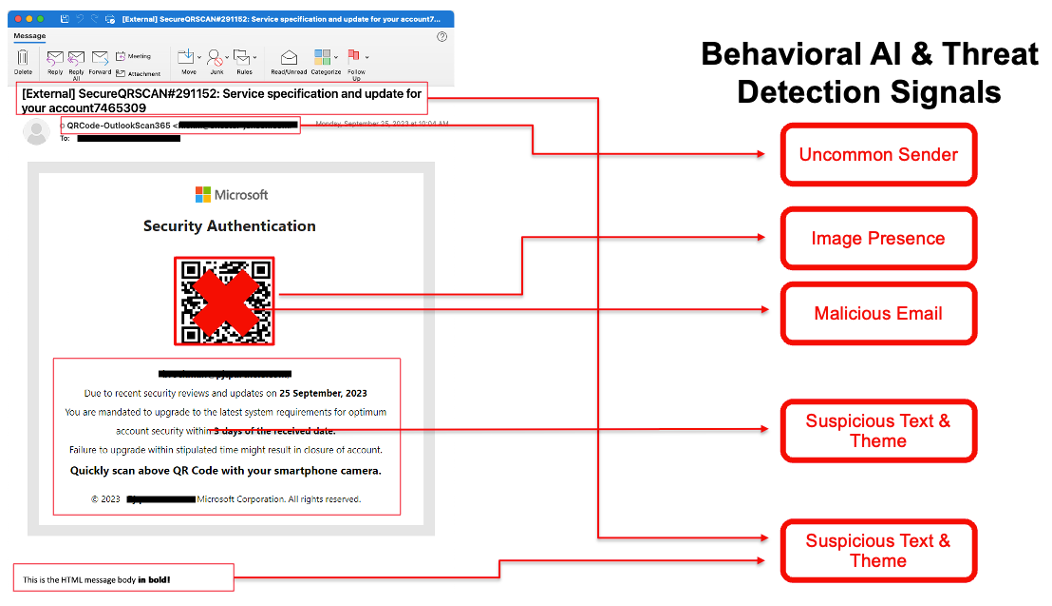
2. If You Enter Info on a Fake Page
- Usernames, passwords, card details.
- MFA codes, session cookies for account hijacking.
3. If Malware Installs
- Contacts, photos, saved passwords.
- Full device access: Mic, camera, files.
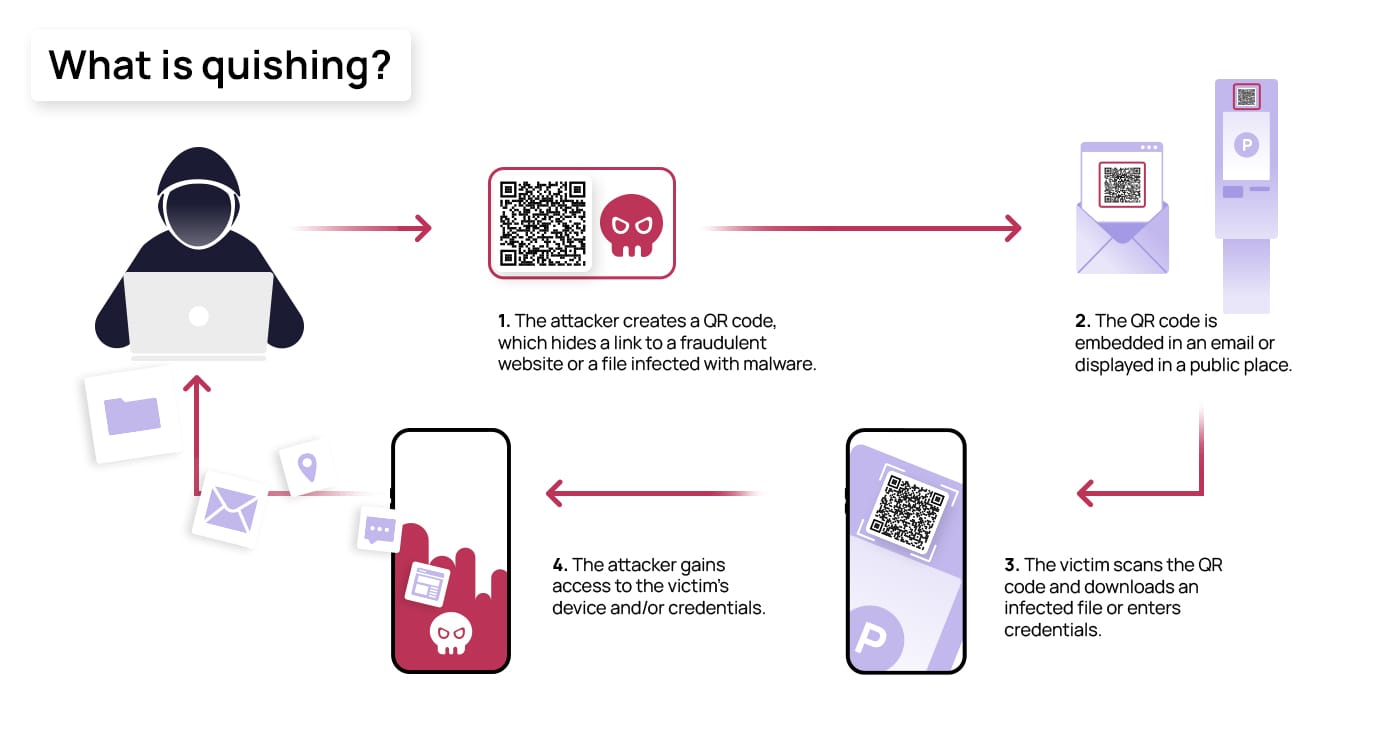
Risk Levels Summary
| Scenario | What Scammer Gets | How Common? | Severity |
|---|---|---|---|
| Just scan → visit site | IP, device info (incl. OS), location | Very common | Medium |
| Enter credentials | Logins, cards, MFA | Extremely common | High |
| Approve location | Precise GPS | Somewhat common | Medium-High |
| Malware installs | Contacts, passwords, full access | Less common | Critical |
| Session theft | Persistent account access | Advanced | Critical |
Stay Safe: Pro Tips for 2026
- Don't scan unsolicited QR codes (e.g., on packages, stickers, emails).
- Use a QR app that previews the URL first.
- Never grant location/camera/mic permissions to unknown sites.
- Keep your phone updated and use antivirus.
- If you scanned something shady: Change passwords, scan for malware.